Environment design for 2D scroller ghastly adventure game, using Clip Studio, GIMP, and Unity.
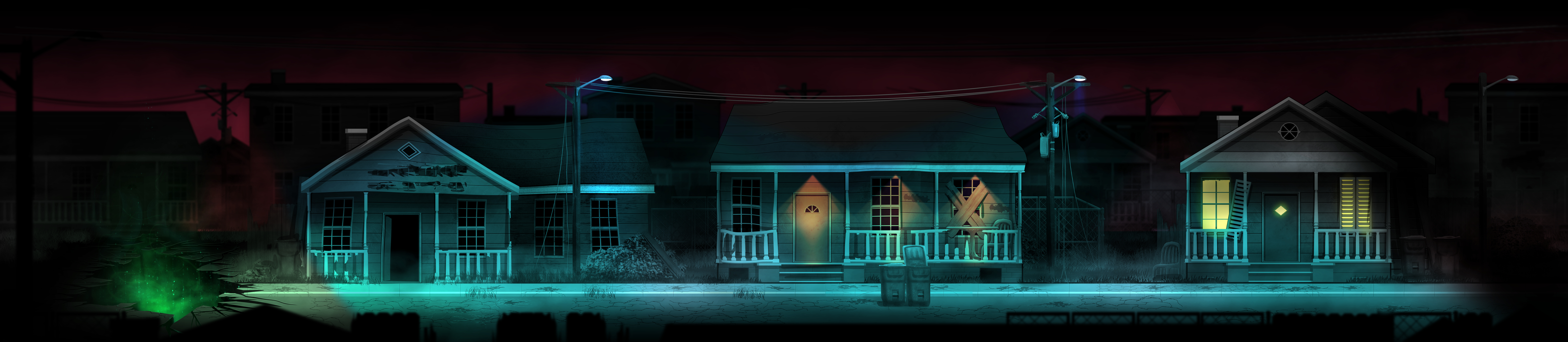

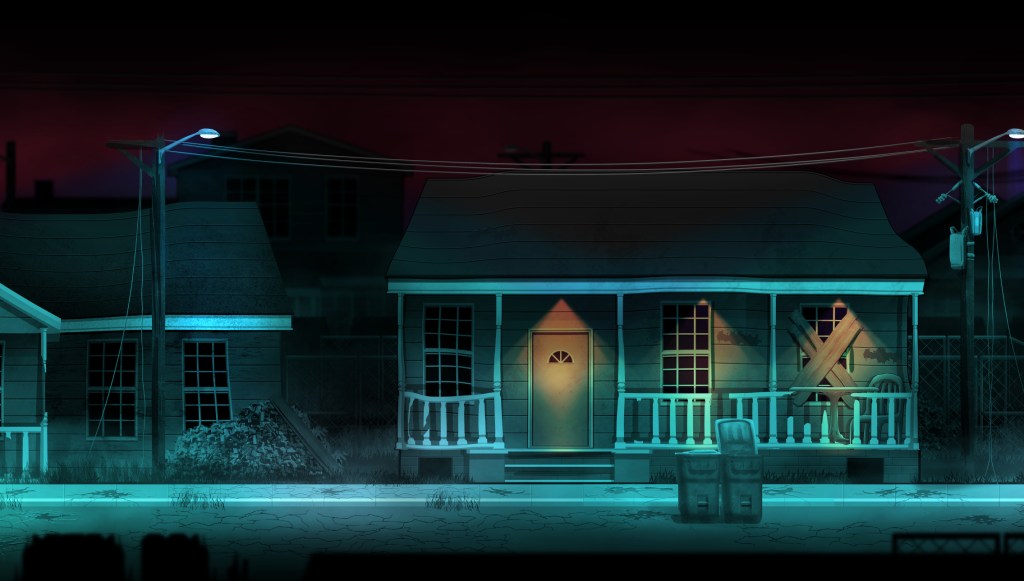

Since I wanted to get an immersive half-realistic, half-stylized look, I’ve decided to incorporate a parallax effect as well as to use normal maps to further enhance the feeling of depth. I began by drawing houses and various other street props/assets in Clip Studio Paint. I knew I wanted to light the scene in Unity to get the dramatic effect I was after, so I’ve created Normal Maps for each of the props using a filter in GIMP.
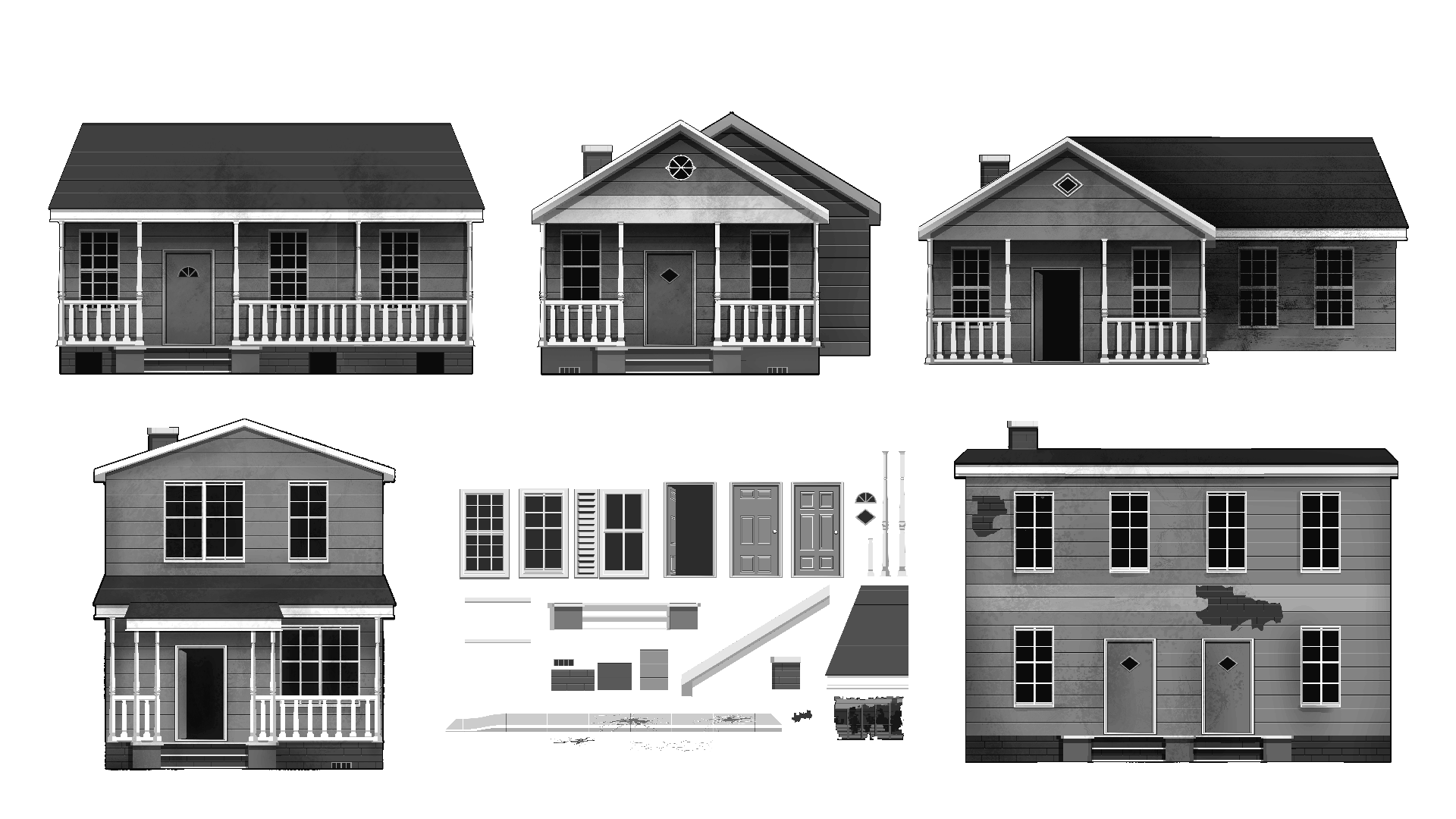
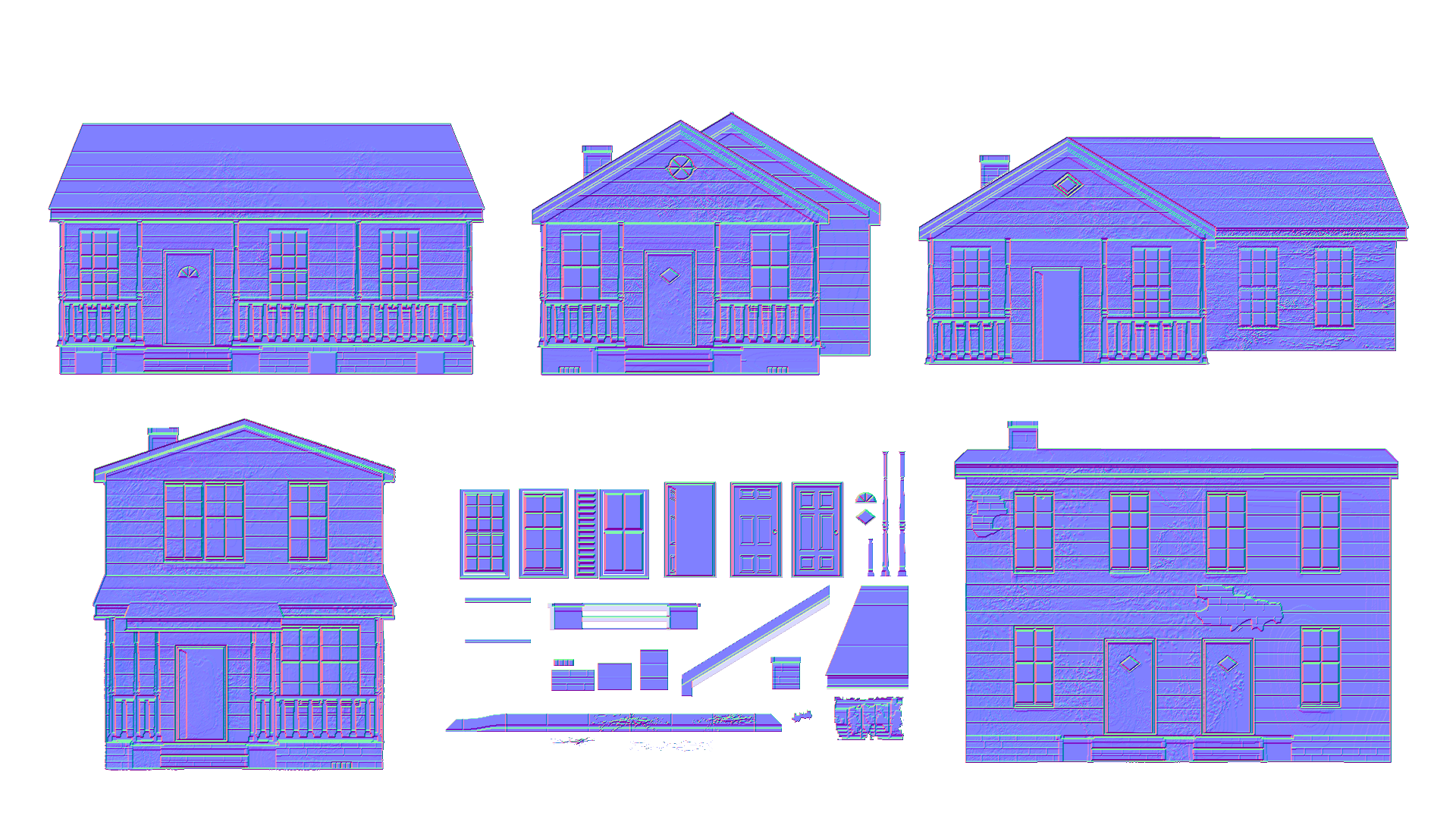


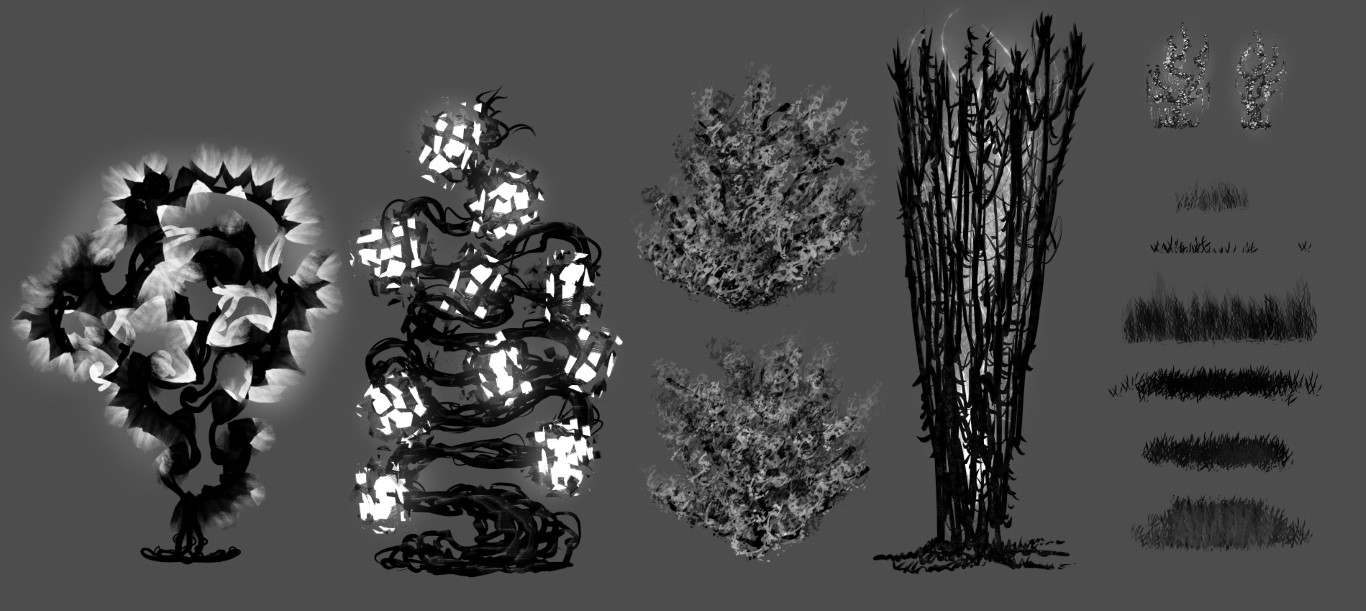
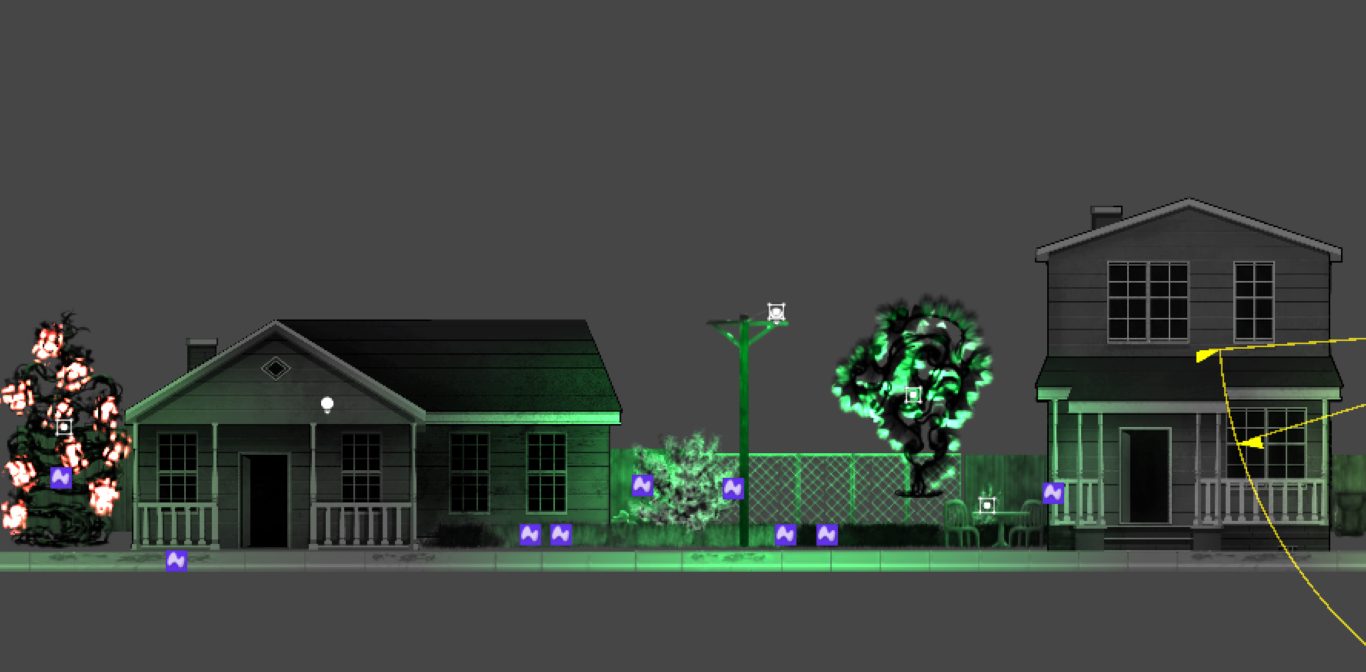
Once I was happy with the individual elements it was time to layout the full scene. Due to the heavily layered nature of the scene, I found it was easier to first layer it in Clip Studio using folders and then to use the result as a blueprint when recreating it in Unity. Using empty parent objects with a predefined sorting layer made the laying of all the elements pretty straightforward. As for the parallax effect, using a perspective camera and manually setting the layers further away from the camera seems to be the easiest option to get the result.

 Vlad Vov